DeClick and DeCrackle
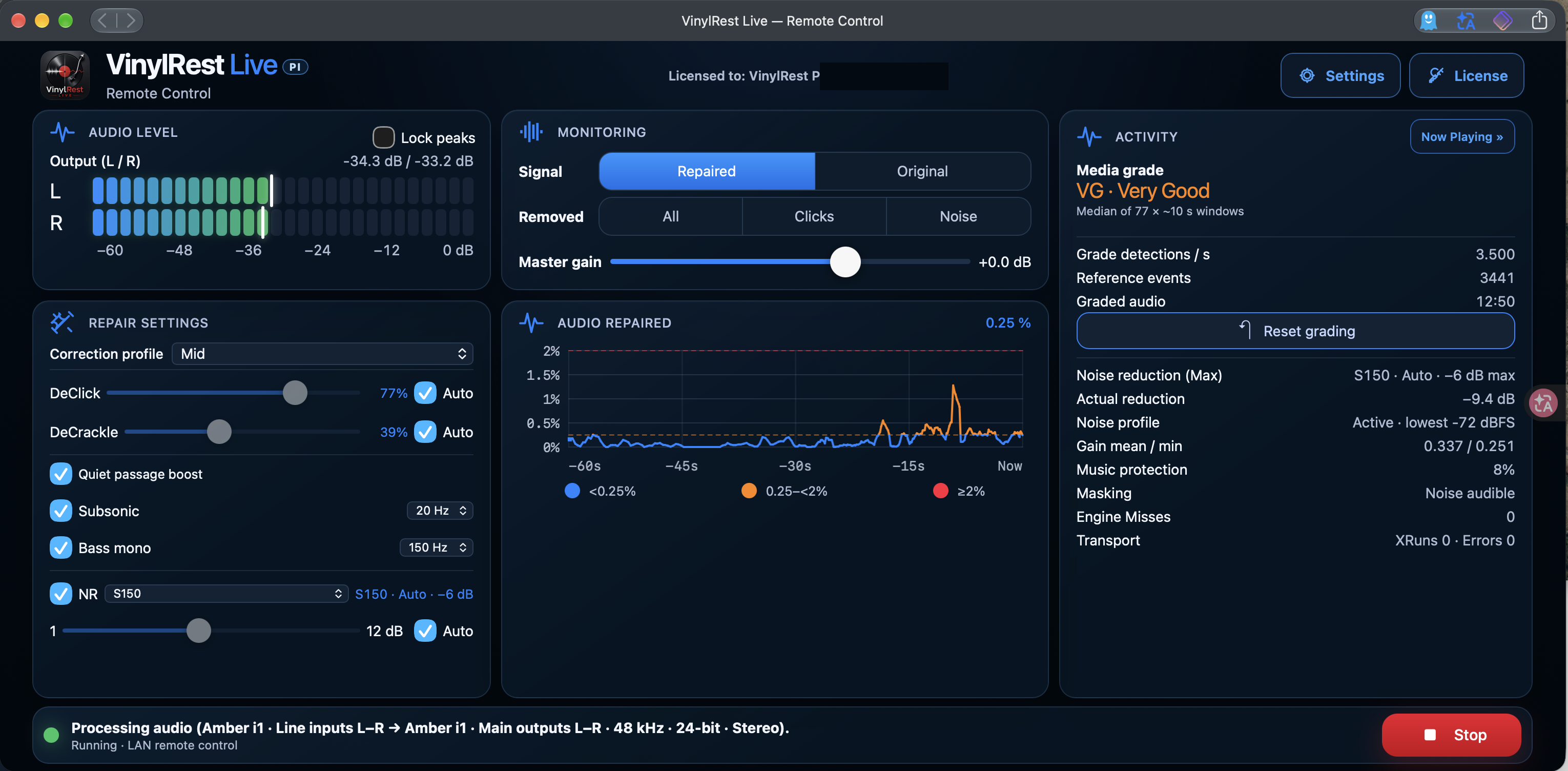
Run separate repair stages in one bounded real-time path. Use manual sensitivity or let each Auto control follow the condition observed in the record.
VinylRest Live Linux brings the real-time restoration chain to an x86_64 PC. Reduce clicks, crackle and surface noise while a record plays, compare the aligned result, and control the session from a browser on your trusted local network.
Linux x64 AppImage · Ubuntu 24.04 target · License before audio · No system installation
Live runs as a per-user AppImage process. Settings, license data and the desktop lock stay outside the read-only application package.
The Linux edition is designed around ALSA and a local browser interface. It does not replace your phono stage or apply RIAA equalization.
Run separate repair stages in one bounded real-time path. Use manual sensitivity or let each Auto control follow the condition observed in the record.
Choose the conservative S150 or stronger S200 profile, with manual or grade-dependent Auto control and a local noise-profile acquisition workflow.
Compare Repaired with Original or inspect the removed material without losing timing alignment in the listening path.
An audio-condition estimate uses original PCM and reference detection rather than the audible repair setting. It is not an official marketplace grade.
Separate capture and playback devices are supported when they share a common native rate. Different hardware clocks use prepared drift correction.
Open the local WebApp for transport controls, levels, Settings, diagnostics and license management while audio continues on the Linux host.
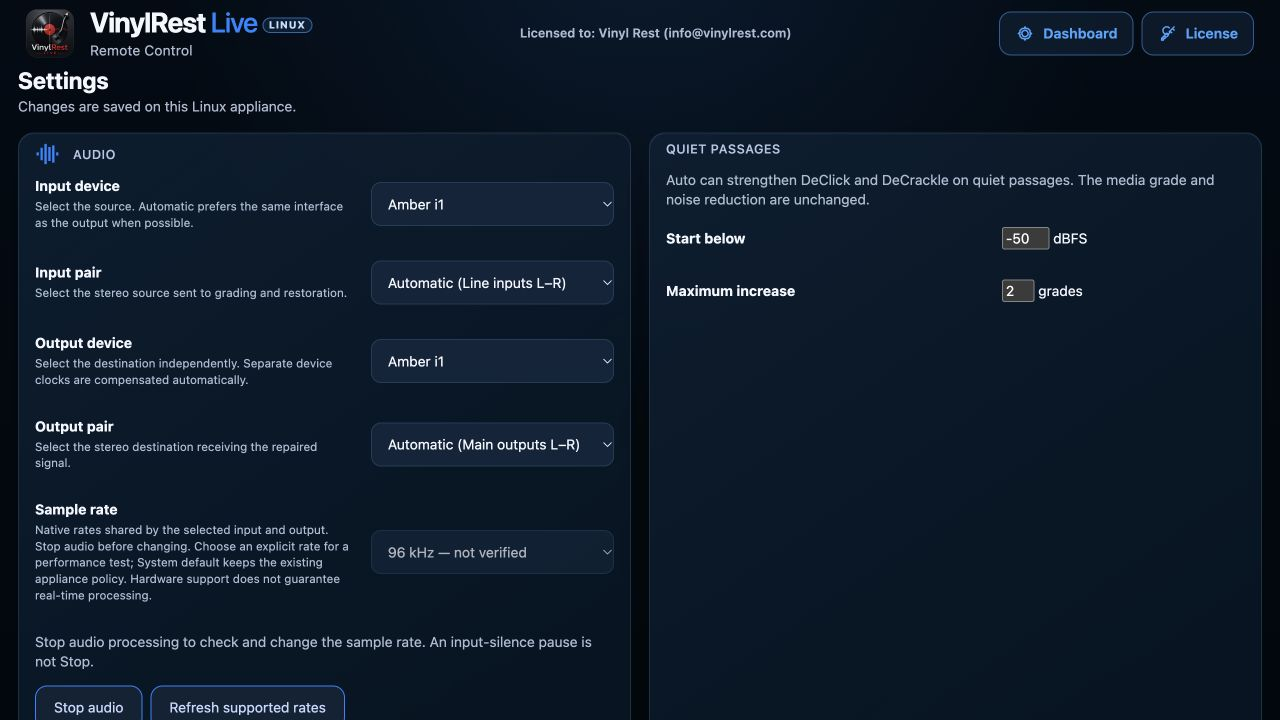
Use one duplex interface or select separate ALSA input and output devices with a common native rate. The Linux WebApp keeps device choices, stereo pairs and the negotiated format visible beside the listening session.
Open the audio setup guideThe current AppImage target is deliberately narrower than “all Linux.” A newer glibc release alone does not establish support for another distribution or audio configuration.
libasound.so.2 and its matching configuration and plugins. This application does not install or rewrite ALSA configuration.libstdc++.so.6 and libgcc_s.so.1. Swift and DSP libraries are bundled statically.bash and flock from util-linux. xdg-open or gio is optional for opening the browser.The direct link above targets the verified stable x86_64 AppImage. In-app updates use the signed stable feed with explicit confirmation before installation.
This product is for Ubuntu 24.04 on x86_64 with glibc 2.39 or later. Download the AppImage above, make it executable and launch it without arguments. The normal first screen requests a license while audio remains closed.