Offline restoration for Mac

Restore the recording. Keep the music.

VinylRest File repairs clicks, pops and fine crackle with the current NG2 reconstruction engine, then optionally applies NRNG S150 or S200 surface-noise reduction. Process one file or a complete folder while the original recording remains untouched.

VinylRest File 1.00b1 (build 8) · Free public Beta · Universal 2 · macOS 15.4 or later
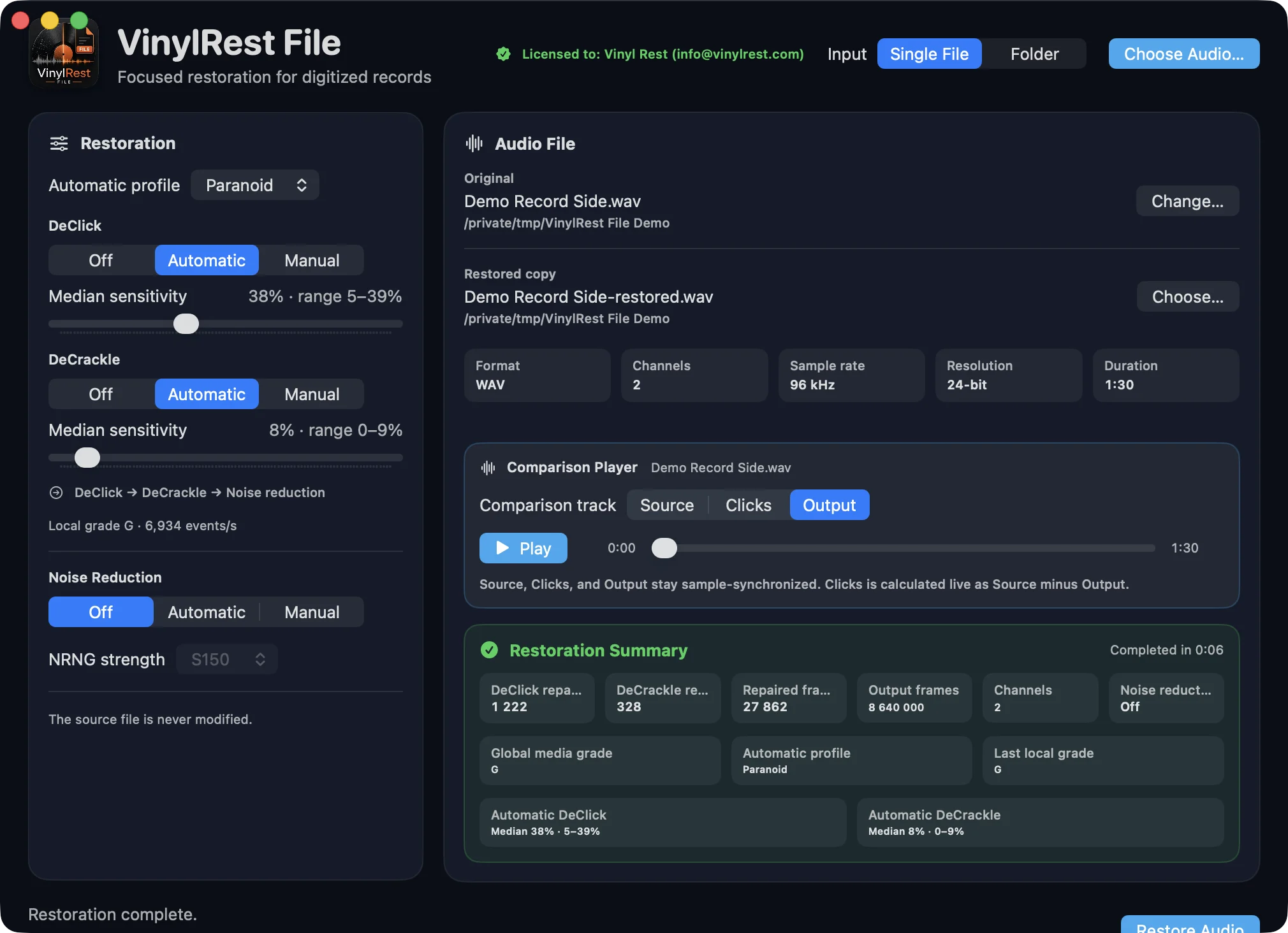
VinylRest File 1.00b1 build 8 after processing with Output selected in the synchronized Source, Clicks and Output player and a detailed restoration summary
Non-destructiveThe source file is never modified or replaced.
Three ordered stagesDeClick, then DeCrackle, then optional noise reduction.
Reusable analysisReplay saved grade and settings timelines without reanalyzing the source.
Single file or folderRestore one recording or run a bounded parallel batch.
Purpose-built restoration

Detailed control without destructive editing

VinylRest File applies one documented restoration chain, keeps every stage independently controllable and publishes a new restored copy with compact analysis reports.

Current NG2 repair

The fixed sequential reconstruction path keeps DeClick and DeCrackle independent, with separate Off, Automatic and Manual controls.

Local Automatic control

Independent DeClick and DeCrackle decisions update every 1.8 seconds and are preserved in the sparse settings timeline.

NRNG S150 and S200

Learn one second of surface noise near the beginning, then apply a fixed whole-file ceiling selected from the global media grade, capped at 12 dB.

Condition-aware profiles

Choose Paranoid, Light, Mid, High or a validated Custom table for independent DeClick, DeCrackle and NR curves.

Synchronized comparison

Switch between Source, removed Clicks and restored Output at the same exact sample position after processing.

Bounded folder processing

Review a deterministic, non-recursive queue and process multiple files concurrently within a saved machine-aware limit.

1SourceWAV · AIFF · FLAC · ALAC
2DeClickClicks and pops
3DeCrackleFine crackle
4Noise ReductionContinuous surface noise
5Restored copyOriginal preserved
One focused restoration path

Every stage has one clear place

VinylRest File now uses the current NG2 path exclusively: DeCrackle receives the DeClicked signal, then optional NRNG follows both repair stages. There is no method selector to configure.

Safe publication
The restored audio and both compact reports are written as new files. Existing requested outputs require explicit confirmation before replacement.
Useful comparisons
The synchronized player keeps Source, Clicks and Output at one shared playhead after processing.
VinylRest File comparison player with Output selected above the completed restoration summary
A/B/C listening

Hear the source, the repair and the result

After processing, use one player to compare three sample-synchronized tracks without losing your position.
  • Source plays the untouched input.
  • Clicks reveals the removed signal, calculated live as Source minus Output.
  • Output plays the restored file.
  • One Play/Pause button and one scrubber control all three views.
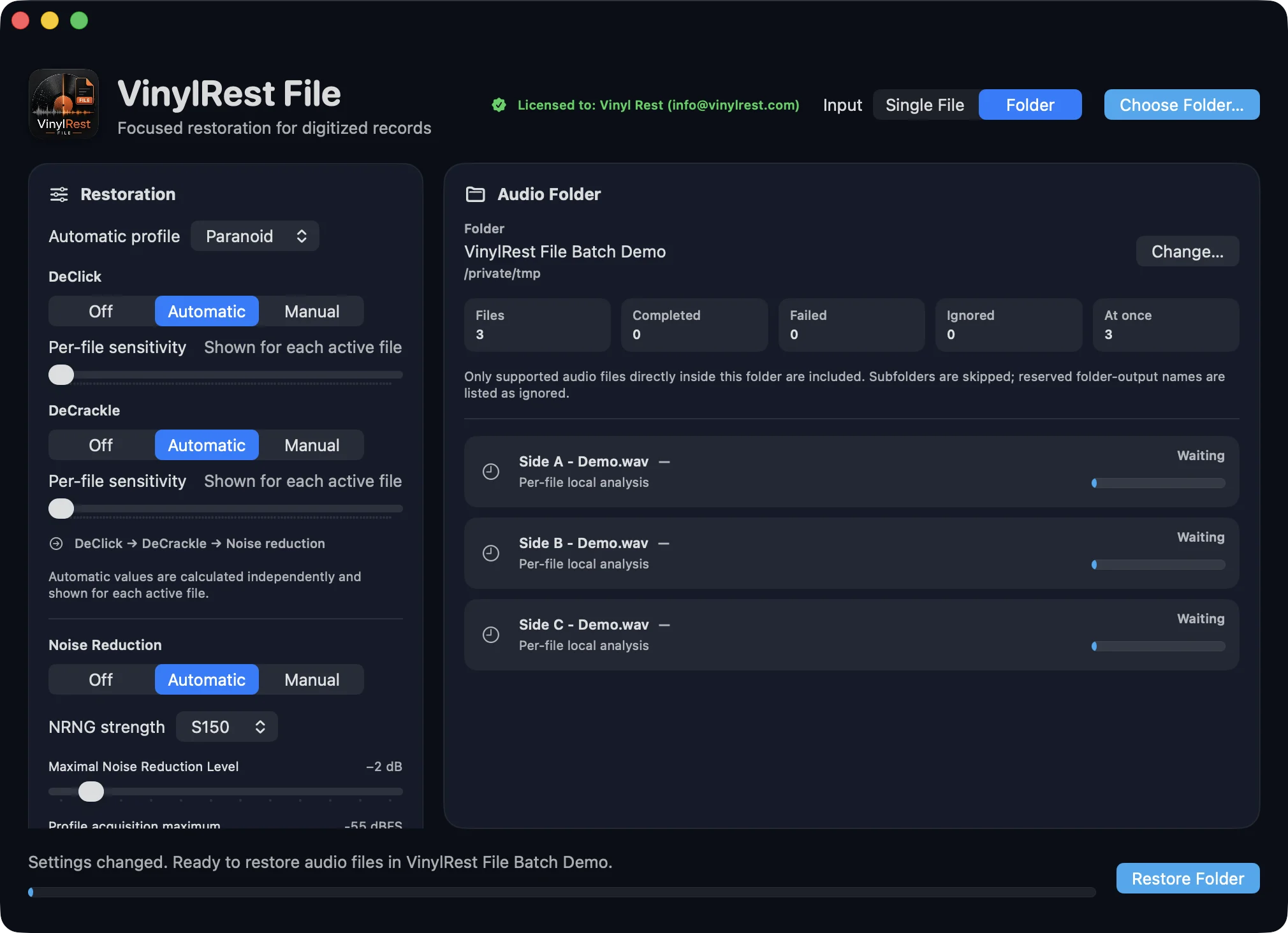
VinylRest File 1.00b1 build 8 Folder mode with three supported files ready in the queue
Folder mode

Restore a collection with a predictable queue

VinylRest File discovers supported files directly inside one selected folder, skips generated outputs and never descends into subfolders. Every job uses the same immutable settings snapshot.
  • Machine-specific concurrency recommendation.
  • Per-file progress, grade, result and error state.
  • Aggregate elapsed time and average time per successful file.
  • Exact output inventory before any replacement decision.
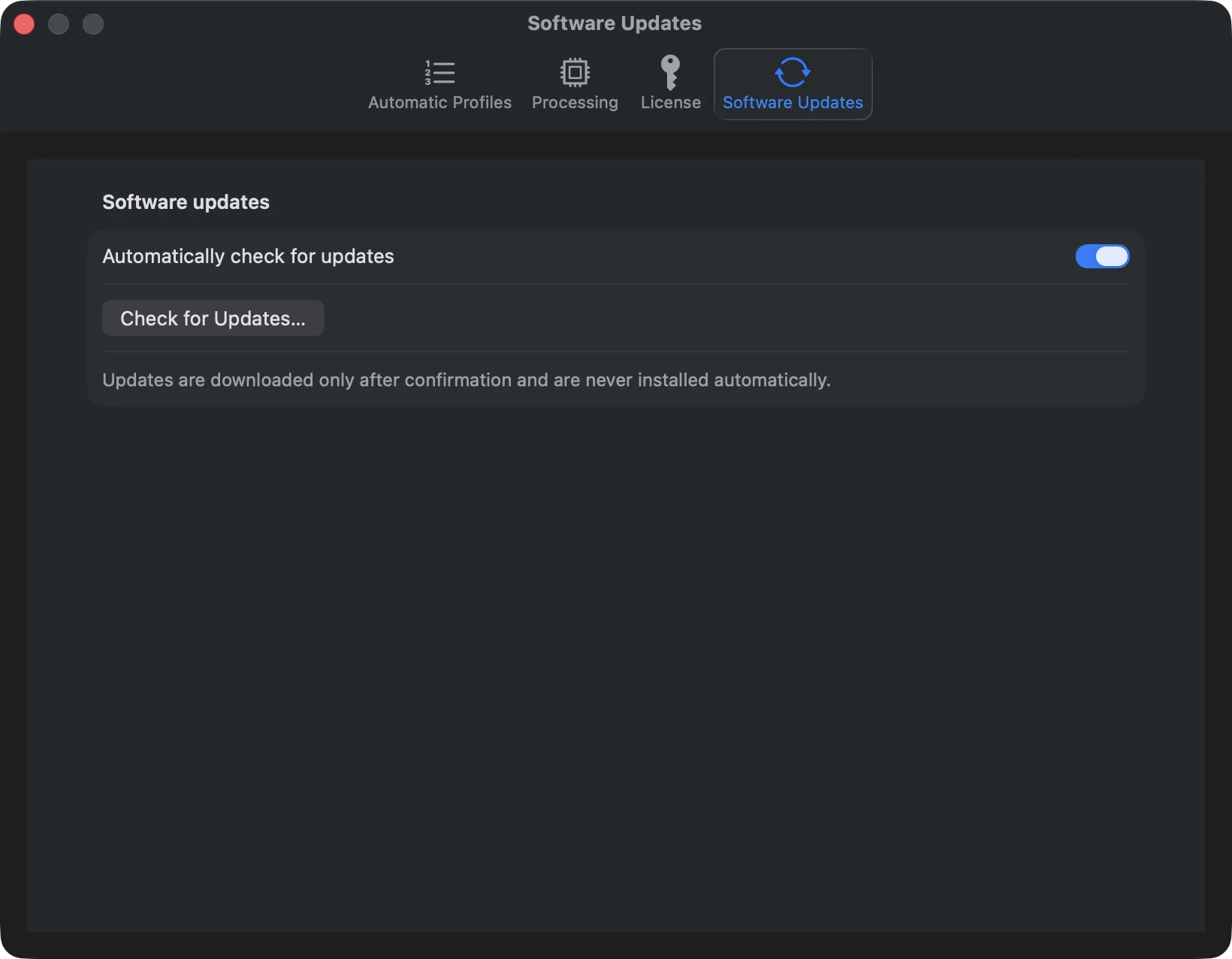
VinylRest File Software Updates settings with automatic checks enabled and a Check for Updates button
Free public Beta

Install once, then stay up to date

The first update-capable Beta is installed manually from the signed Universal 2 disk image. VinylRest can then check for signed Beta updates inside the application.

  • Beta restoration is enabled with a free license requested inside the application.
  • Downloads and installations always require your confirmation.
  • An accepted update waits until the current restoration is finished.
Supported material

Lossless formats stay lossless

The restored file keeps the source container and codec, channel layout, sample rate, bit depth, frame count and duration.

WAV and AIFFMono or stereo · 16-bit, 24-bit or 32-bit PCM
FLACMono or stereo · 16-bit or 24-bit · Metadata and artwork mapped
ALAC in .m4aMono or stereo · 16-bit or 24-bit · Chapters, metadata and artwork mapped
Sample ratesStandard production rates through 192 kHz
Requirements and preservation

Built for complete record sides

Analysis and restoration preserve the exact source timeline while the native engine processes high-resolution mono or stereo recordings. Actual speed depends on the Mac, source format, sample rate, active stages and folder concurrency.

Exact source frame count and duration preservation
WAV, AIFF, FLAC and ALAC · mono or stereo · up to 192 kHz
Universal 2: native Apple silicon and Intel slices
macOS 15.4 or later
Current public Beta: VinylRest File 1.00b1, build 8