Install the free application

VinylRest ABC Player is free. Download it from the Mac App Store to receive the signed application and future updates through Apple.
- Open the VinylRest ABC Player page on the Mac App Store.
- Select Get, then complete Apple’s normal installation step.
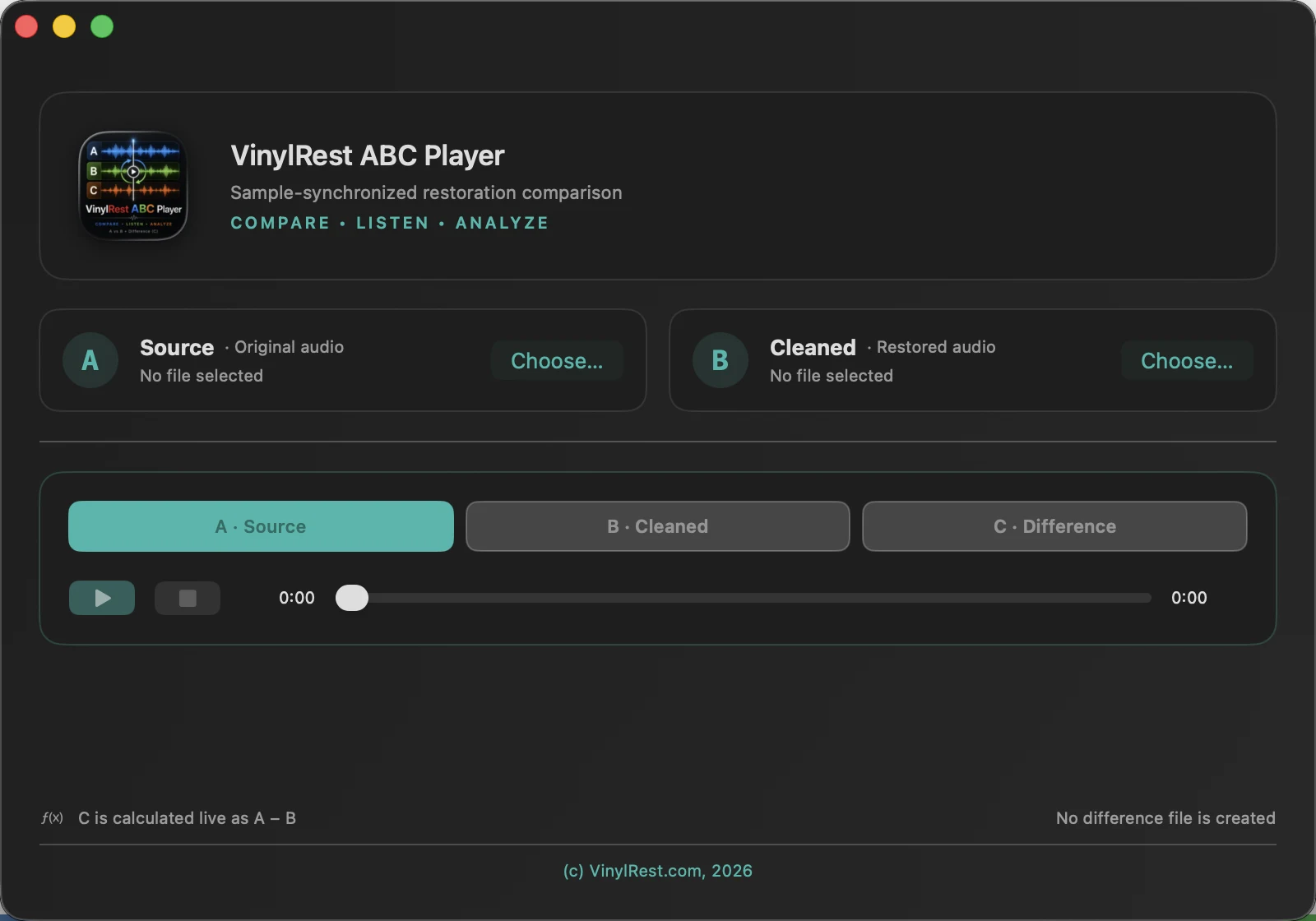
- Open VinylRest ABC Player from Applications. The first window starts with empty A and B file cards.
Prepare a compatible pair
A should be the original reference and B should be the processed version of that same recording. Before loading them, make sure both files have:
- the same sample rate;
- the same number of channels;
- the same exact frame count;
- a supported lossless container and codec.
Do not pre-trim only one file: even a one-frame difference makes the timelines unequal. Export both versions from the same source range.
Load A and B
- Select Choose A · Source, then open the original file.
- Select Choose B · Cleaned, then open the restored or otherwise processed file.
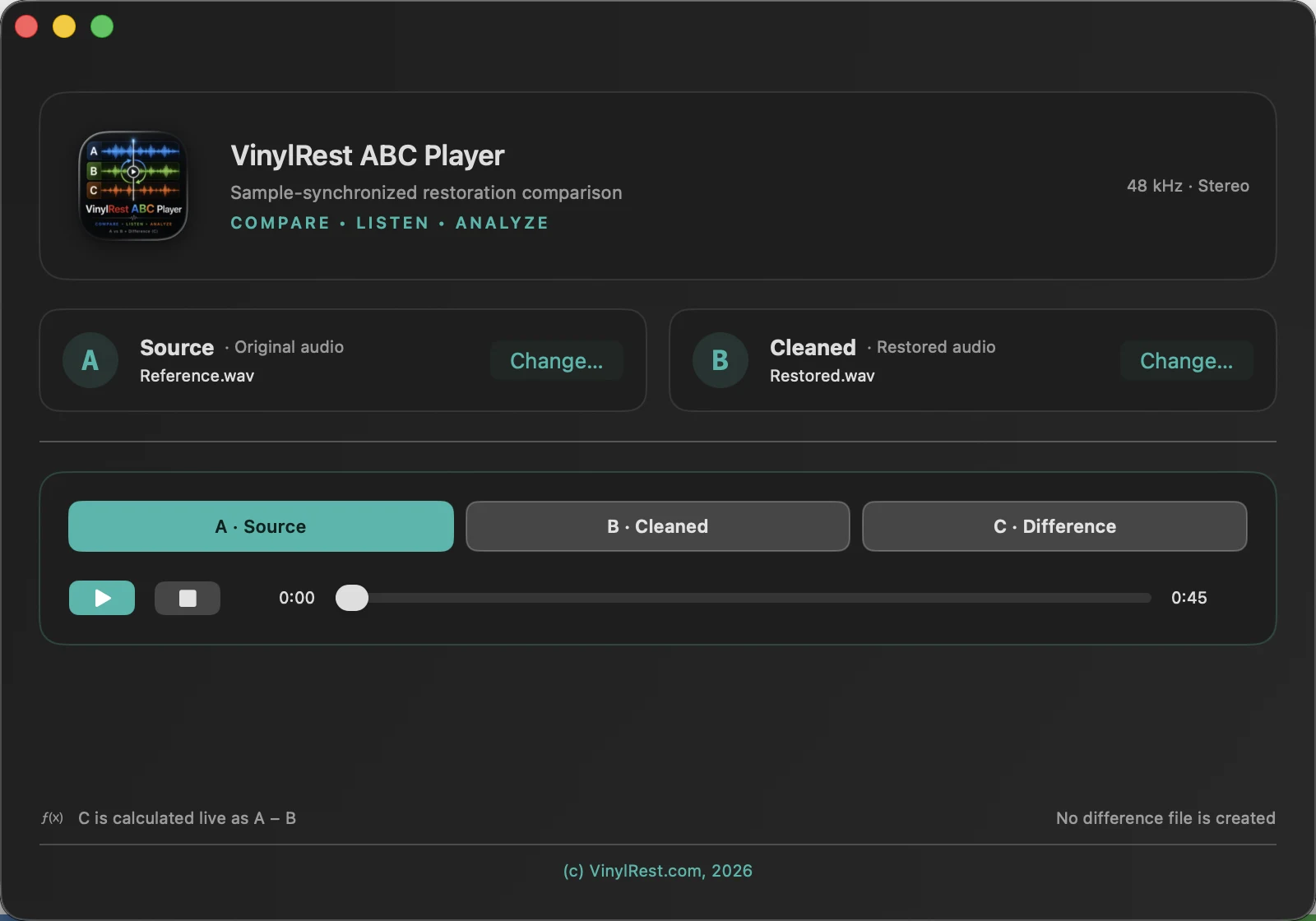
- Read the format summary in both cards. A matching pair shows the same sample rate, channels and duration.
- If the pair is incompatible, correct the export outside ABC Player and choose the replacement file.
Make the first comparison
- Select A Source, then Play.
- At a revealing passage, select B Cleaned. The sound changes immediately without moving the playhead.
- Switch between A and B several times. Keep the Mac output volume unchanged.
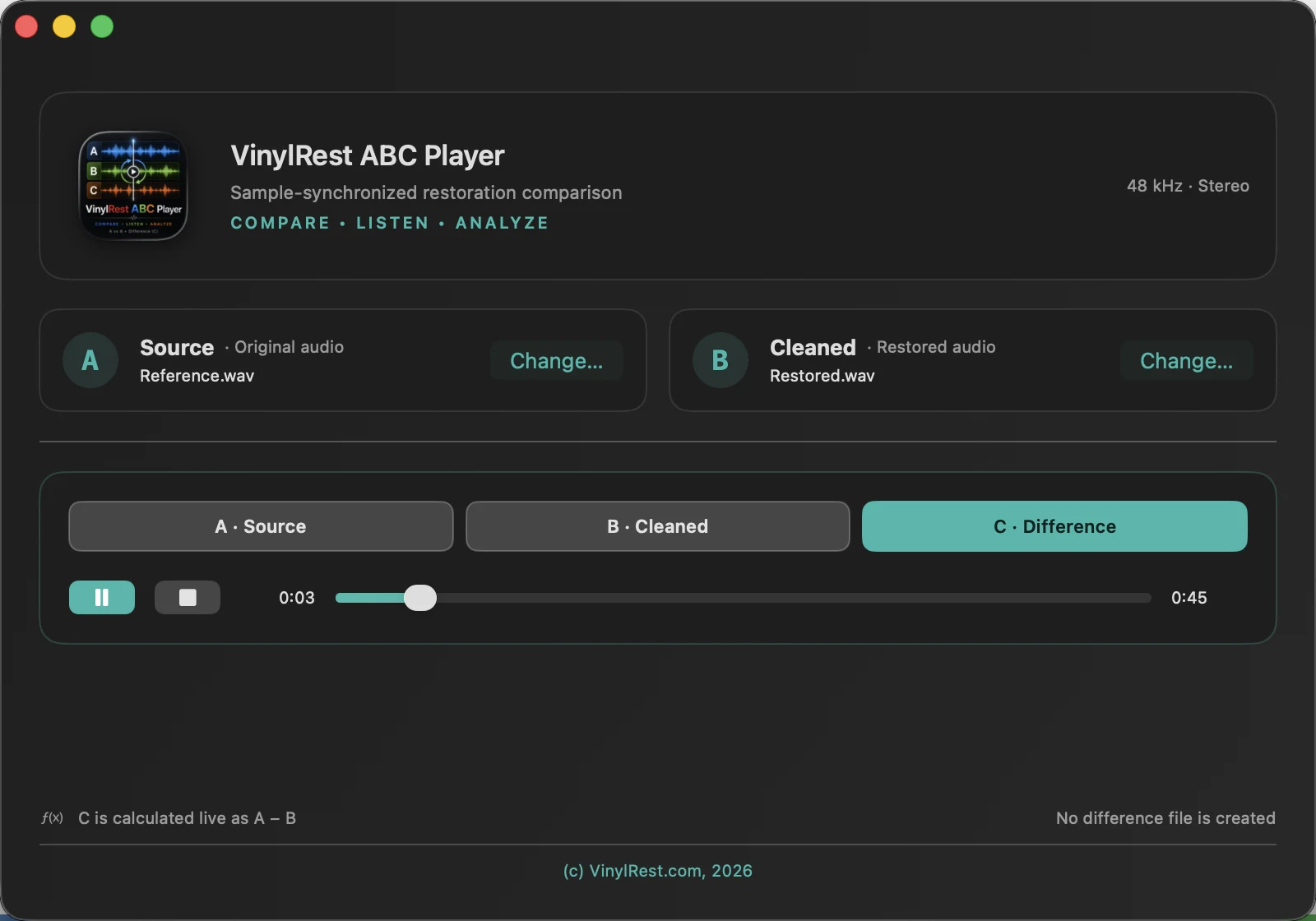
- Select C Difference to hear the live subtraction.
- Drag the scrubber to another passage. Both files seek to the same frame position.
- Use Pause to preserve the current position, or Stop to return to the beginning.
Best first test: compare two identical copies. A, B and the timeline should behave normally, while C Difference should be silent.
Open the files again later
ABC Player does not modify A or B and does not create a comparison project. When you reopen the application, select the two files again. This keeps every session tied to the exact files visible in the window.